End customer instructions for German E-Invoicing
In this end customer guide, we would like to help walk you through the process of our how our B2B and B2G E-Invoicing module for Germany works with your POS, PMS or ERP system. It will also explain how to access, manage, and correct E-Invoices with our tools.
Configuring Your Seller Information
Before creating any E-Invoices, ensure your config in the Portal (Company, Location, Profile, E-Invoice) is set properly.
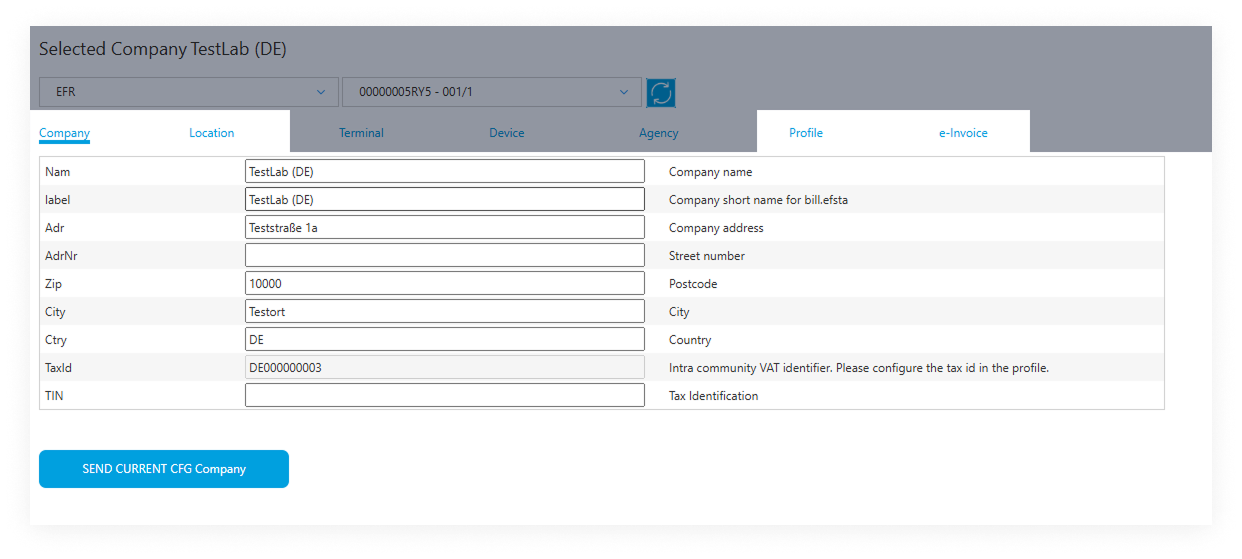 This information will be automatically included in all XRechnung XML files.
Business-to-Business E-Invoicing (B2B)
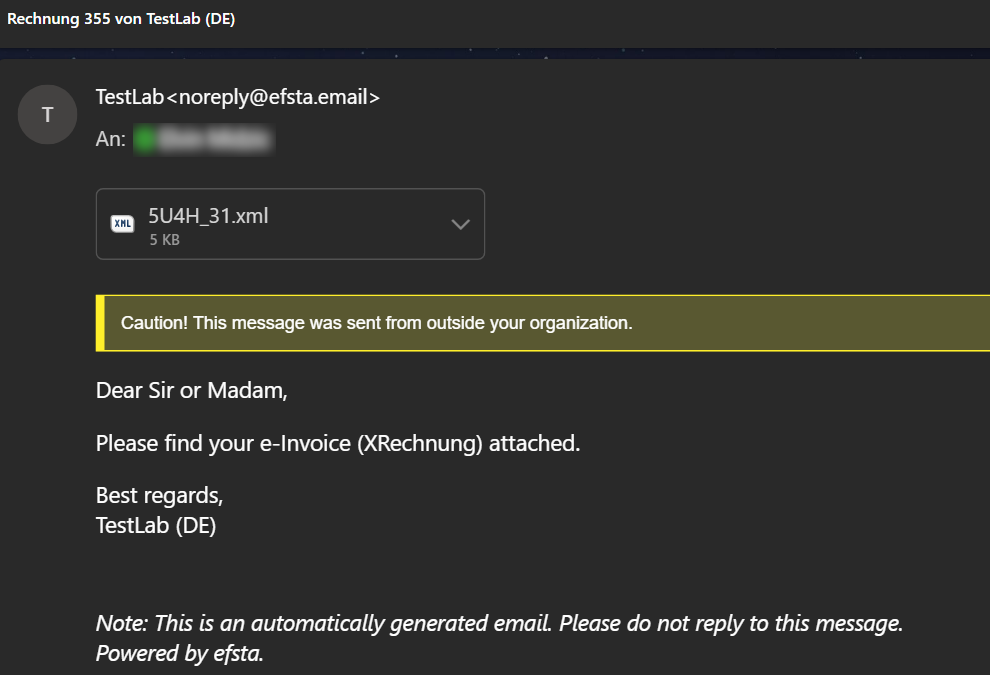
After the E-Invoice is created on the POS, PMS, or ERP system, the efsta EFR will forward it to our E-Invoicing module which creates the XRechnung XML. If the file was successfully created, the buyer will receive this XML file via email from efsta.
Business-to-Government E-Invoicing (B2G)
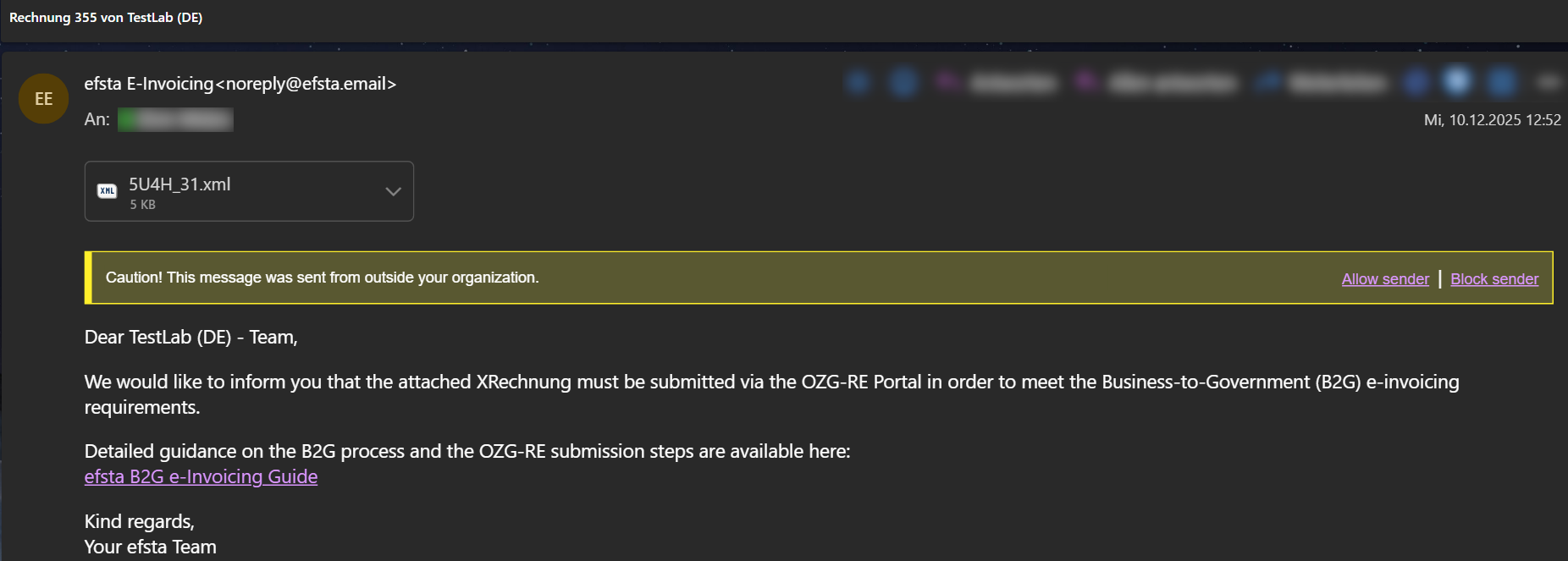
For B2G transactions, the government buyer will receive the XRechnung XML via email after successful creation from the efsta E-Invoicing module. This email is identical to the one sent in the B2B process.
The key difference from B2B is that the seller also receives an email which includes the XRechnung file along with a information that the XML must be uploaded to the OZG-RE portal.
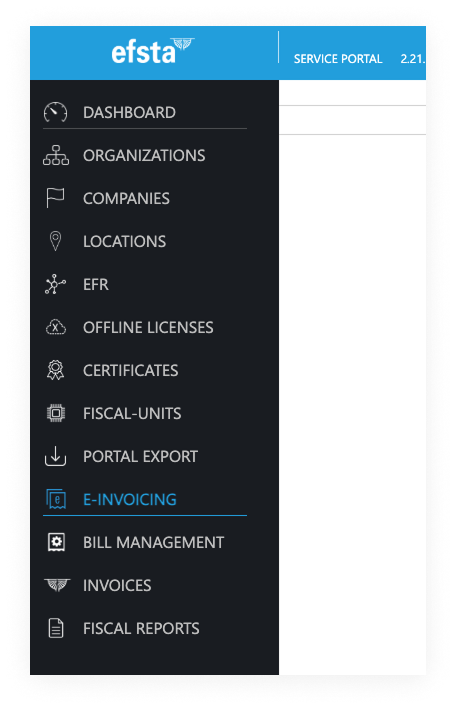
Alternatively, the XML file from the email attachment can also be downloaded by the seller in the efsta Portal. To do so, navigate to the E-Invoicing tab, select the correct company, choose the right E-Invoice, and click the Download button.
In Q1 2026, efsta will automatically send the B2G XRechnung to the OZG-RE platform via the PEPPOL network. If the XRechnung cannot be accepted, it will be automatically sent to the buyer’s email address or, alternatively, it can be downloaded manually by the seller and sent via email to the government customer.
Registering & uploading to the OZG-RE platform
Each taxpayer that is creating invoices for German government authorities must register with the OZG-RE platform and submit the B2G XRechnung E-Invoices accordingly.
1. Registration
The taxpayer must register at the OZG-RE Login page first.
The tutorial video "1. Registrierung an der OZG-RE" will explain how to register the taxpayer’s OZG-RE account.
2. Uploading the XRechnung
After registering, the B2G XRechnung E-Invoice which the taxpayer has received from efsta needs to be uploaded via their OZG-RE account.
Error Handling
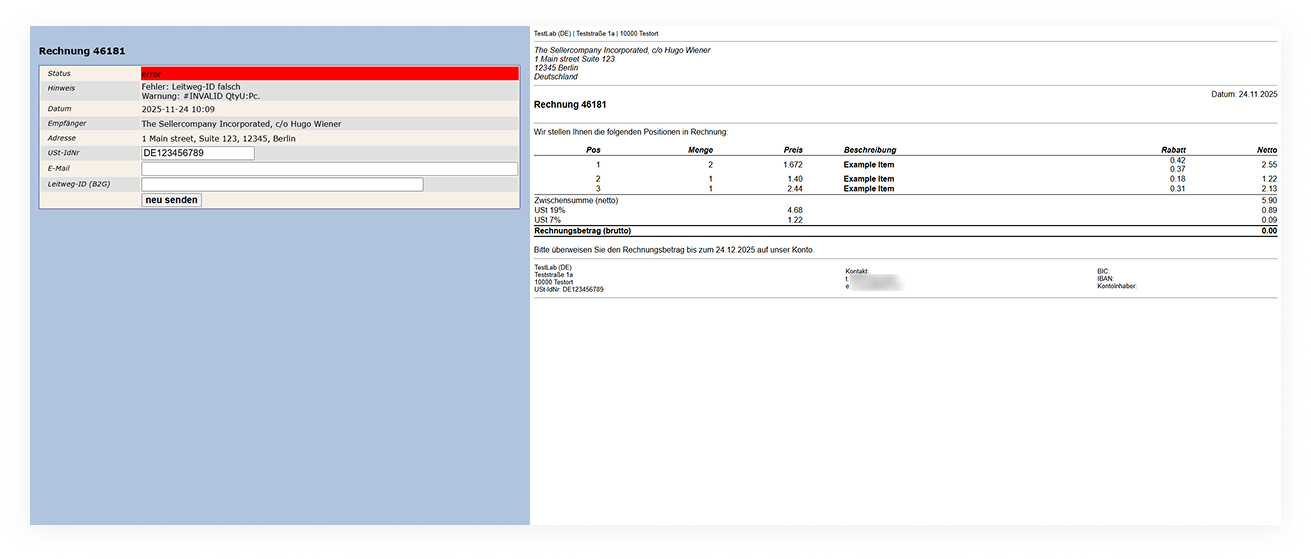
If the XRechnung XML cannot be created or submitted due to invalid or inconsistent invoice data, an email will be sent to the corresponding user (seller) with a link to the efsta E-Invoicing module, allowing manual correction and re-sending.
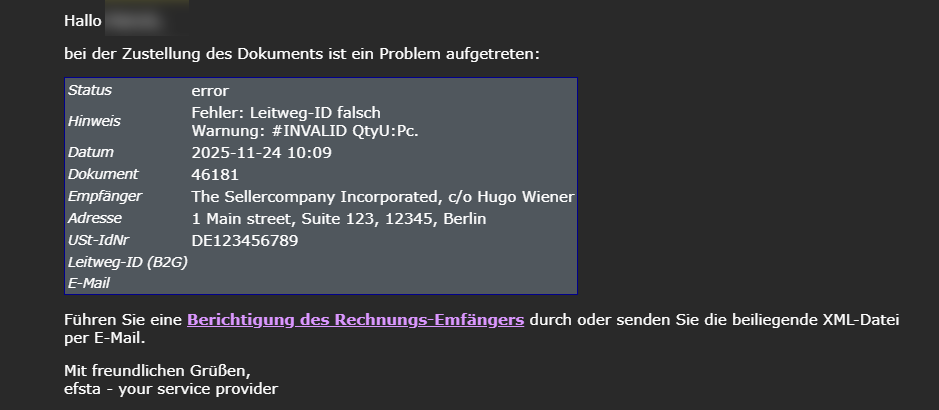
Clicking the link from the email notification will open following page: